Create music,
or learn how to.

Audiosity is a free music workshop for your computer: scales, chords and rhythm, a synthesizer, drum machines, a tracker, a sequencer, a small studio and sheet music, all in one app that works offline.

Download for Windows See what it does Free · No ads · No account
Keyboard · click or press A W S E D F T G Y H U J K —

The deal

Free, and it will stay free.

Audiosity is not trying to replace a professional DAW, a notation program or a hardware synth. It puts the ideas behind all of them in one place, so you can learn how they work and play around with them: what makes a chord sad, why a groove swings, how a filter shapes a sound, how a song is put together.

Every page explains itself as you use it, and everything you make can be sent to the next tool: a chord progression to the sheet music, a drum groove to the tracker, a generated song to the studio. When you move on to professional software, you will already know what the knobs do.

No ads, no accounts, no paid tier, nothing to unlock.

18workspaces, from first steps to a multitrack studio
168genre styles in the catalogue, from chant to drill
159built-in sounds to play and edit
14languages, switchable at any time
0internet needed once it is installed

Theory: learn the ideas

The pages behind the Theory button teach by sound. Every example plays, and you can send it on to make something with it.

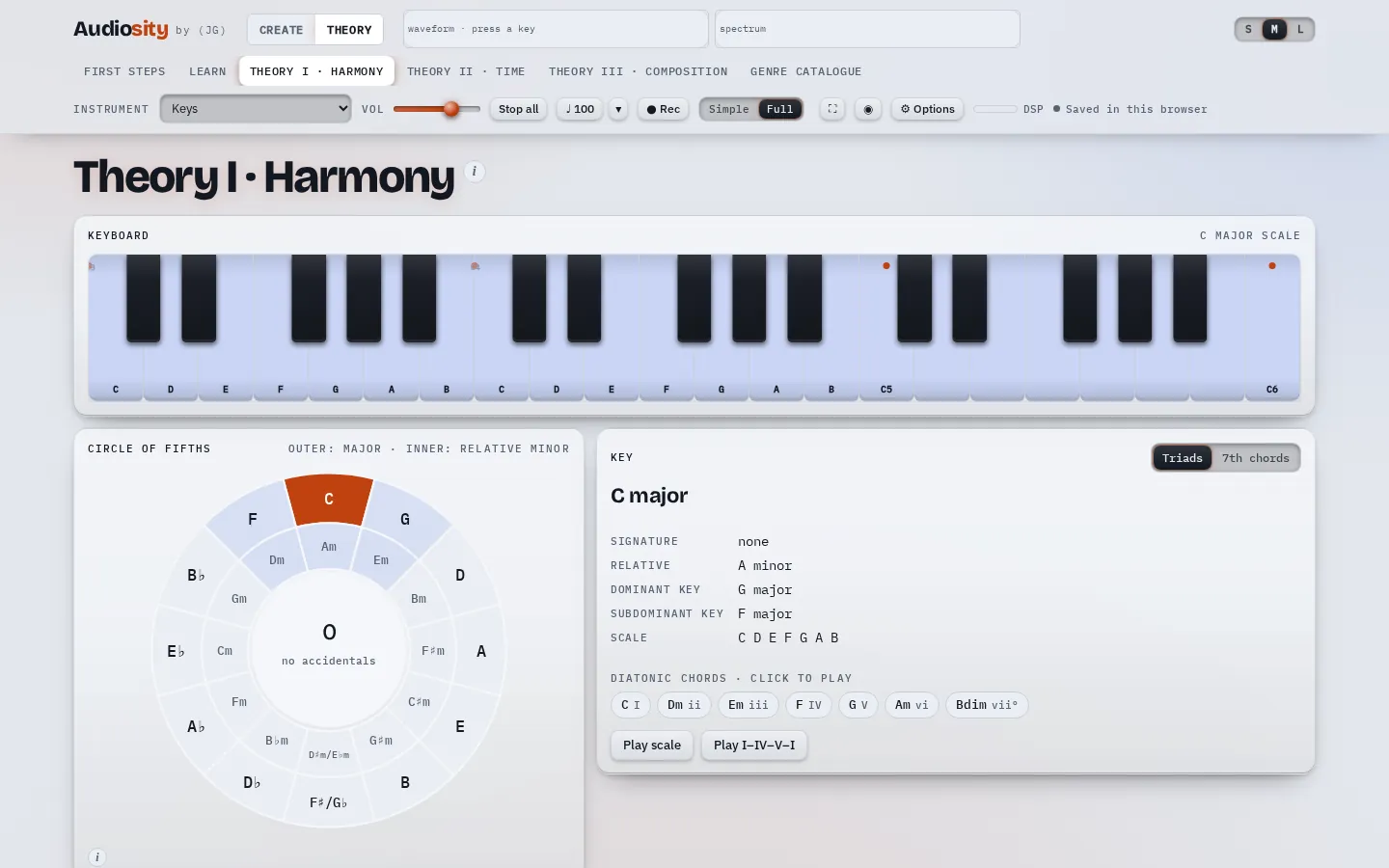
Theory I · HarmonyC major · 0 accidentals
The Harmony page: a keyboard showing the C major scale, the circle of fifths and the chords of the key

Scales, chords and keys you can hear

Start from First steps, then work through harmony, time and composition.

  • Scales and modes on a keyboard, the circle of fifths and every chord in a key
  • Rhythm, swing, polyrhythms and odd meters
  • Progressions, cadences, motifs, melody and bass lines with examples to hear
  • Ear-training and rhythm exercises
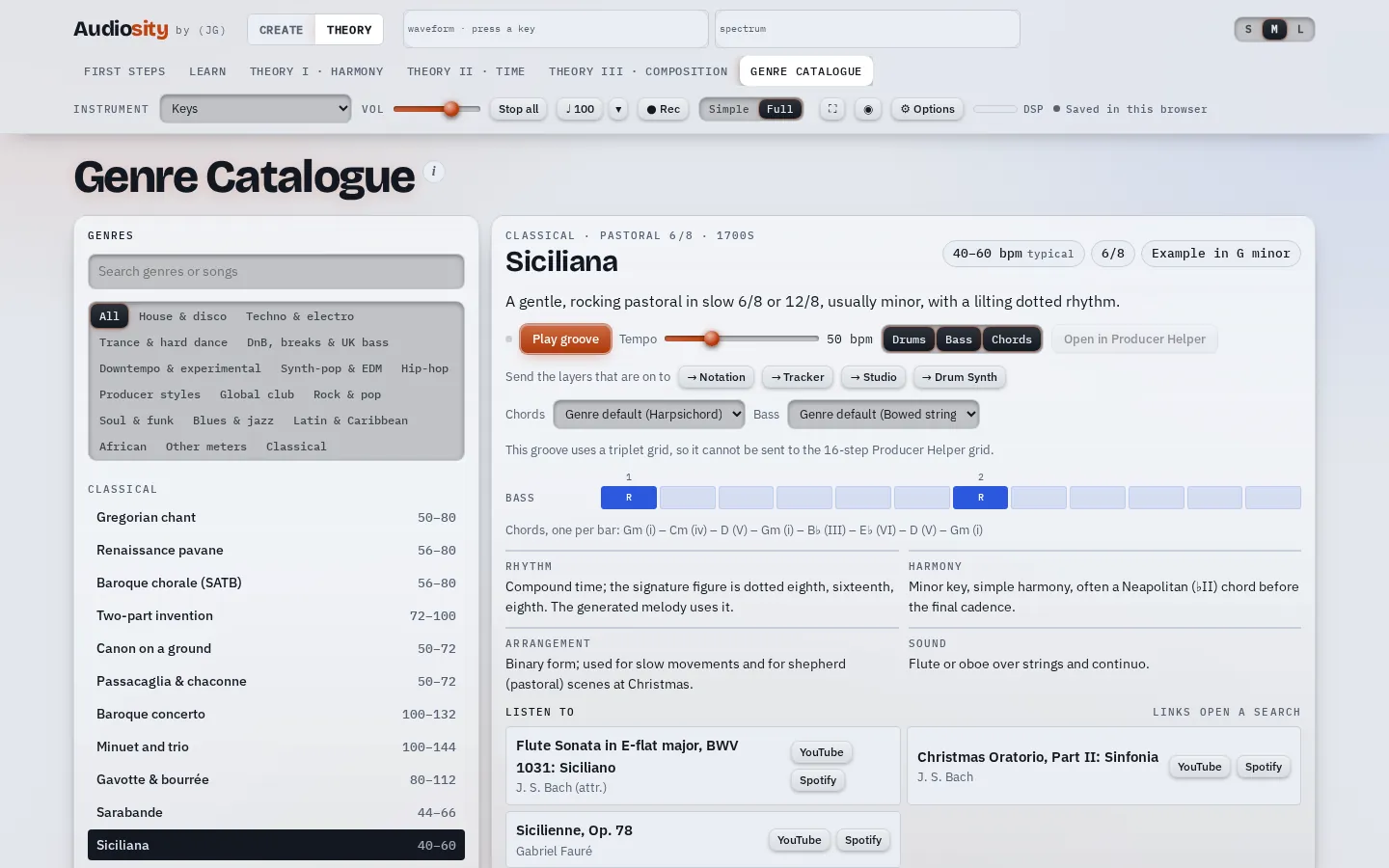
Genre catalogue168 styles
The genre catalogue open on the Siciliana, with its groove, chords and listening examples

How each style is built

Each genre comes with its groove, chords, bass line and sound, notes on rhythm, harmony and arrangement, and famous pieces to listen to. Play it, change the tempo, or generate a whole song from it.

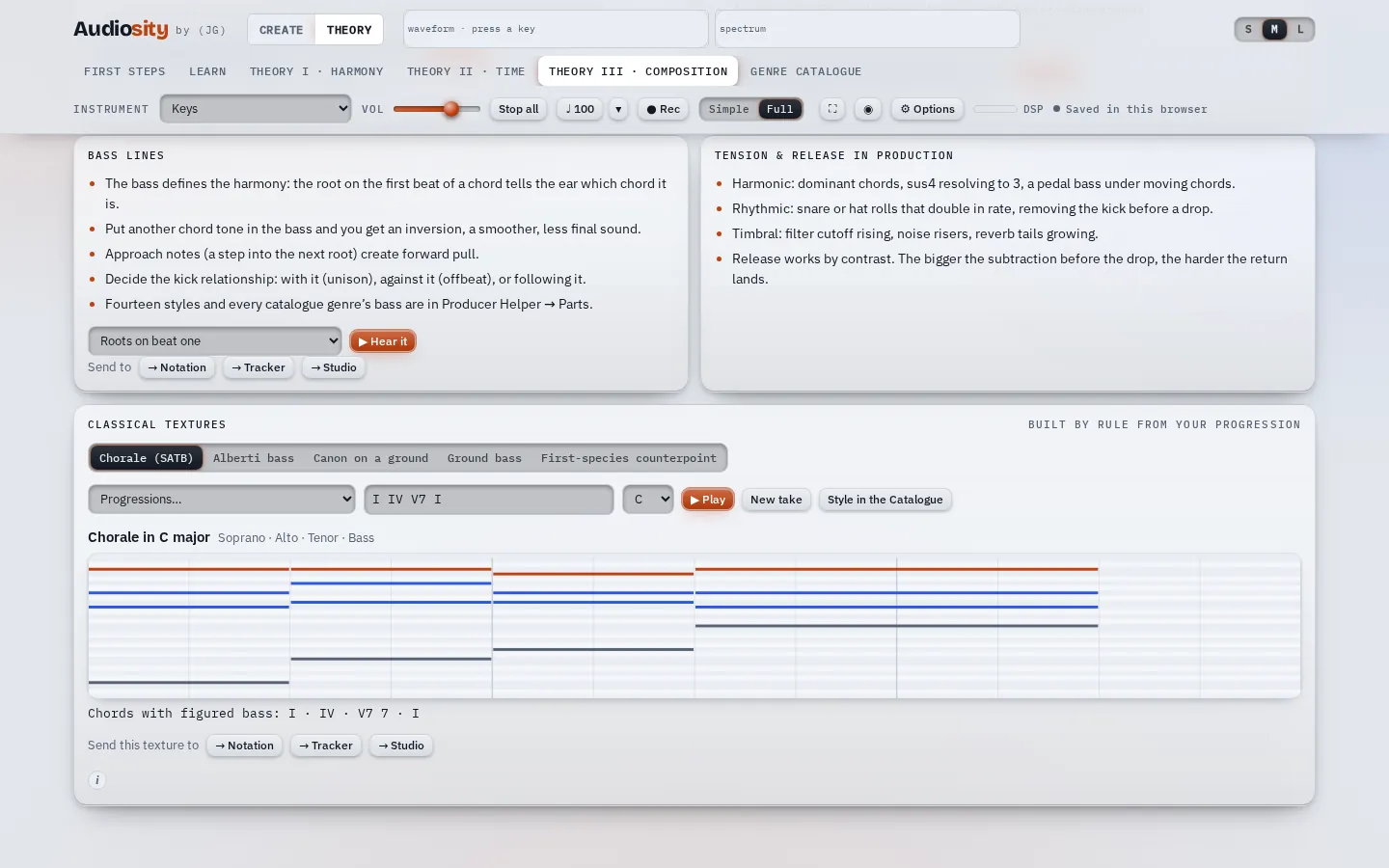
Composition · Classical texturesSATB
The composition page with a four-part chorale built from a chord progression

Rules you can test

Type a progression and hear it as a four-part chorale, an Alberti bass, a canon or first-species counterpoint, written by the rules the textbooks teach.

Create: make the music

The pages behind the Create button are instruments and tools. Use them on their own, or move your ideas between them.

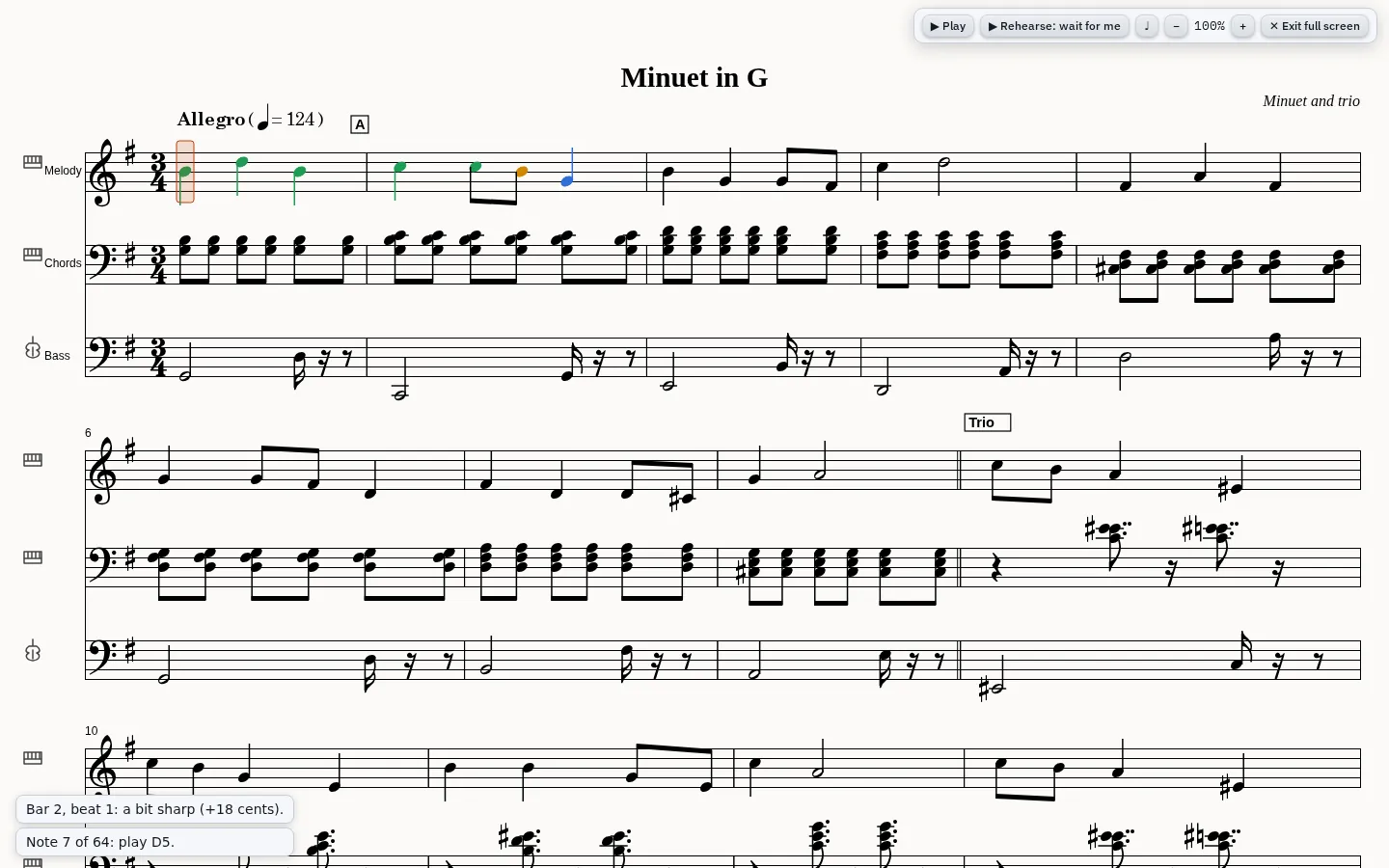
Notation · Rehearse♩ = 124 · 3/4
Sheet music in full-screen rehearse mode: notes already played are green, one is amber, the current note is highlighted

Sheet music that listens back

Write scores, or generate one from any genre, then practise with it.

  • Play along: you play one part, Audiosity plays the rest
  • Rehearse: it listens through a MIDI keyboard or the microphone and tells you when you are early, late or a bit sharp
  • A metronome that follows whatever is playing
  • MusicXML and MIDI in and out
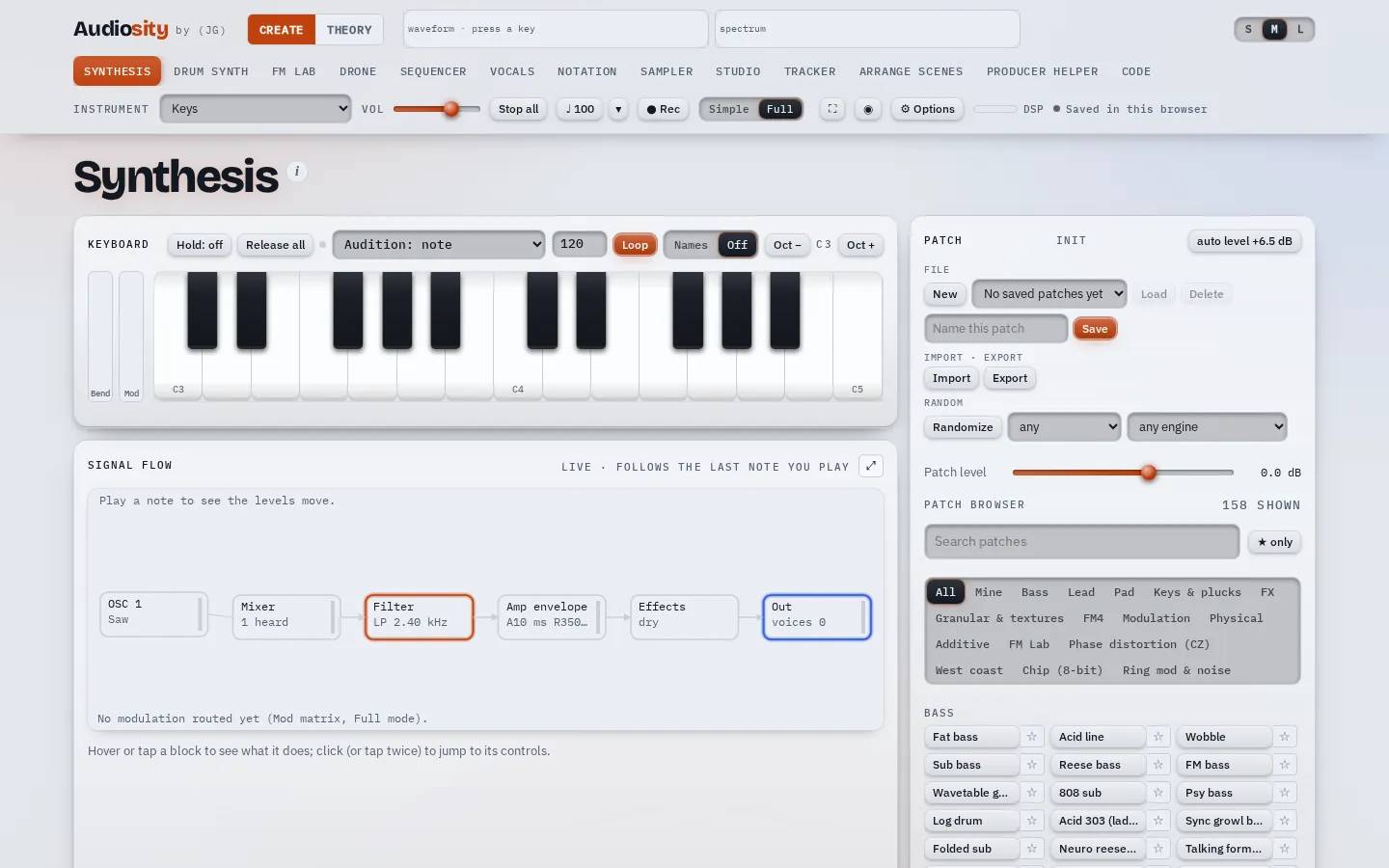
Synthesis159 sounds
The synthesizer with its keyboard, signal flow and patch browser

A synthesizer that shows its working

Subtractive, wavetable, FM, additive, physical models and samples. The signal flow lights up as you play, so you can see where a sound comes from.

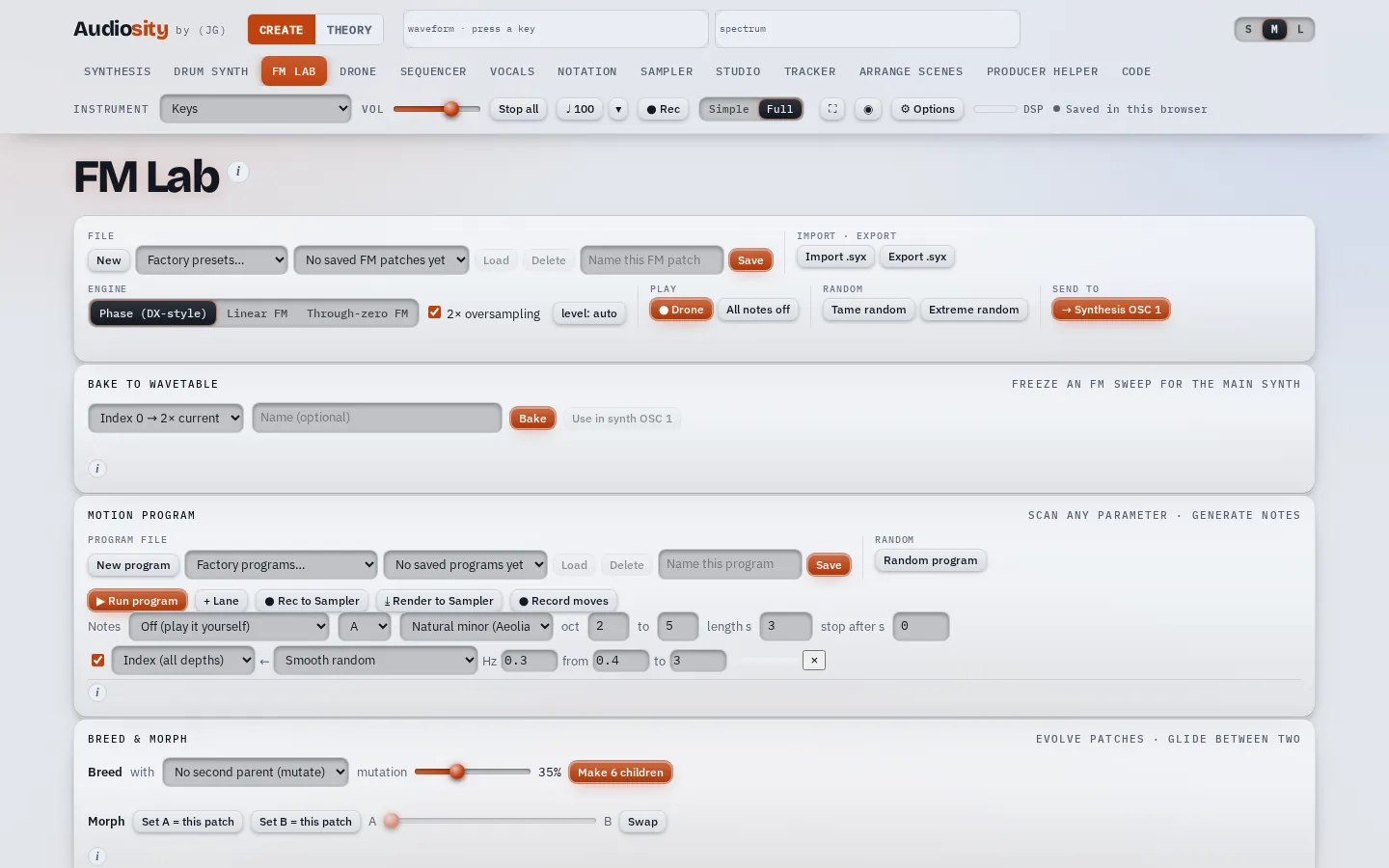
FM Lab6 operators
The FM Lab with operator settings and a programme that writes music from formulas

Music from maths

A six-operator FM synth, plus programs that turn number sequences and formulas (Fibonacci, primes, pendulums) into melodies.

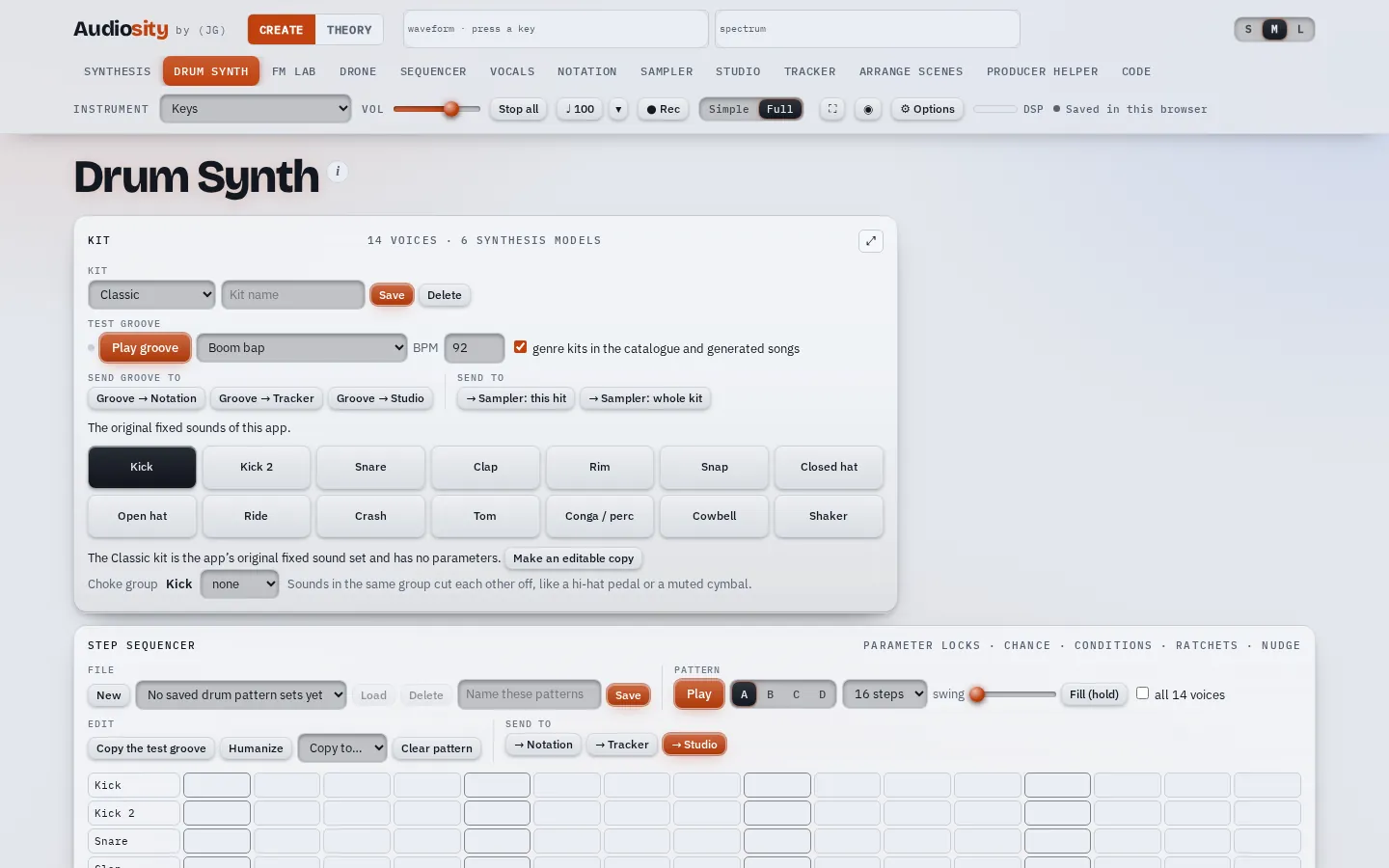
Drum Synth19 kits
The drum synth with its kit, drum voices and step sequencer

Drums from scratch

Every drum is synthesized, so you can shape a kick or a snare from the ground up, then program it in the step sequencer.

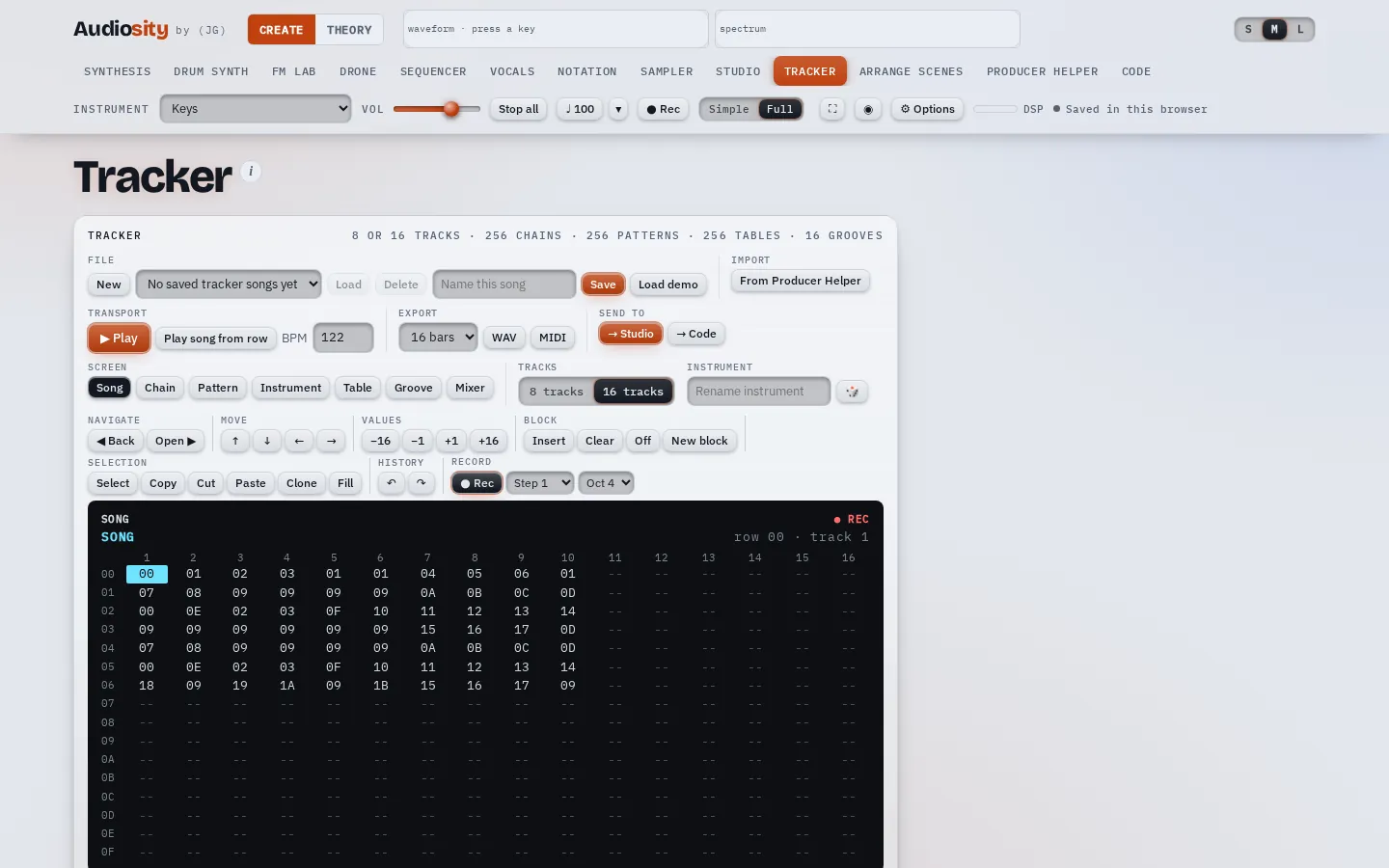
Tracker16 tracks
The tracker's song screen with chains of patterns

A tracker in the old-school style

Songs, chains and phrases typed from the keyboard, in the spirit of handheld trackers. Generate a song from a genre to see how one is built.

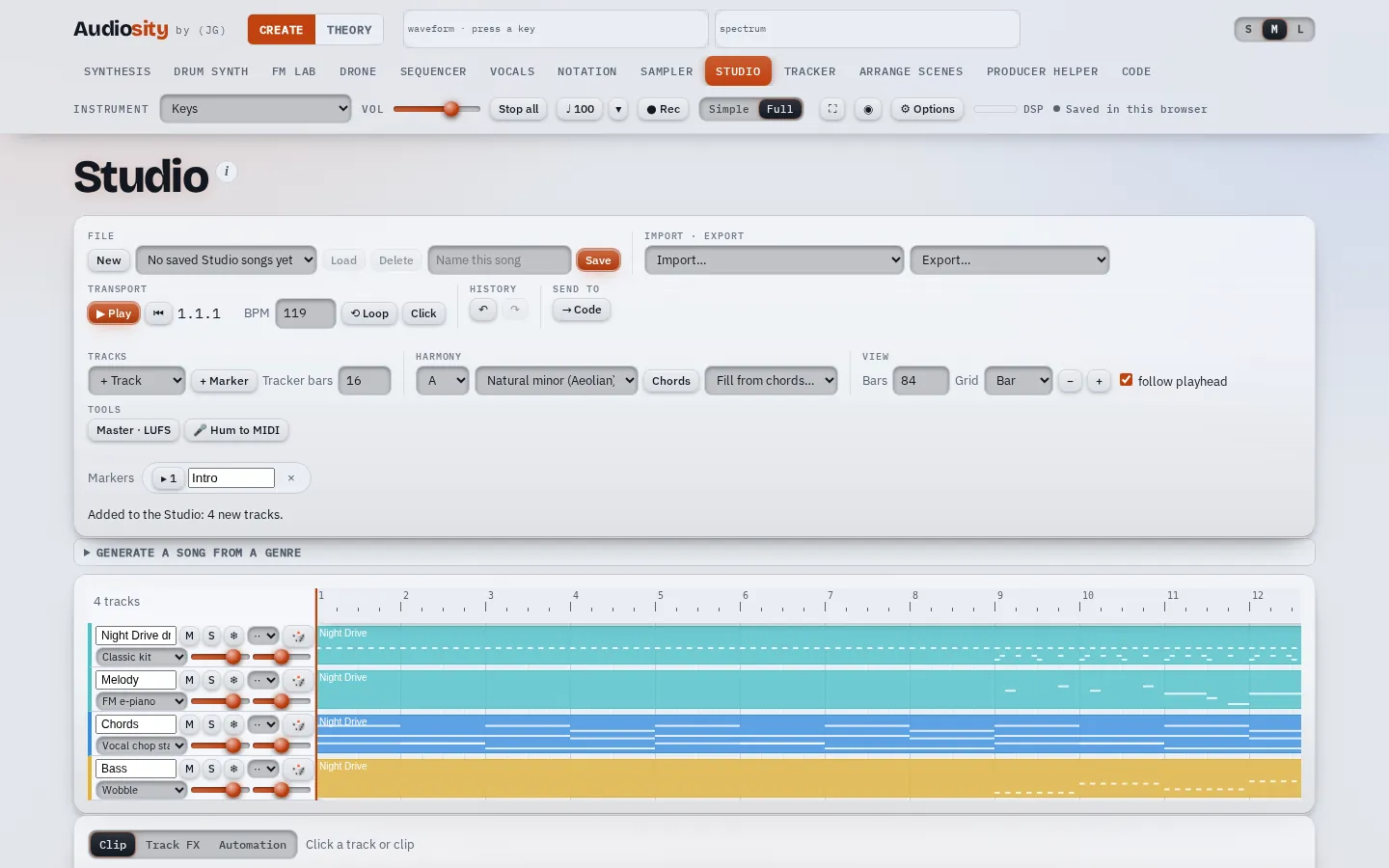
StudioTracks · clips · mixer
The studio with four tracks of generated clips on a timeline

Put it all together

A small multitrack studio with clips, a piano roll, automation and a mixer. Bring in parts from the other pages, hum a melody to turn it into notes, and export your song as audio or MIDI.

Also inside: a sequencer, a sampler, vocals, drones, arranged scenes, a producer helper and live coding.

Download

Audiosity for Windows

One installer. No account to create, nothing to sign in to. After installing it works offline.

Windows may warn that the app is from an unknown publisher, because it is not code-signed. Choose More info, then Run anyway. You can check the file against its SHA-256 checksum.

Runs on
Windows 10 and 11
Costs
Nothing, now or later
Licence
Freeware. Free to use and to share unchanged. Changing or selling it needs permission.
Works with
Computer keyboard, MIDI keyboards, microphone